
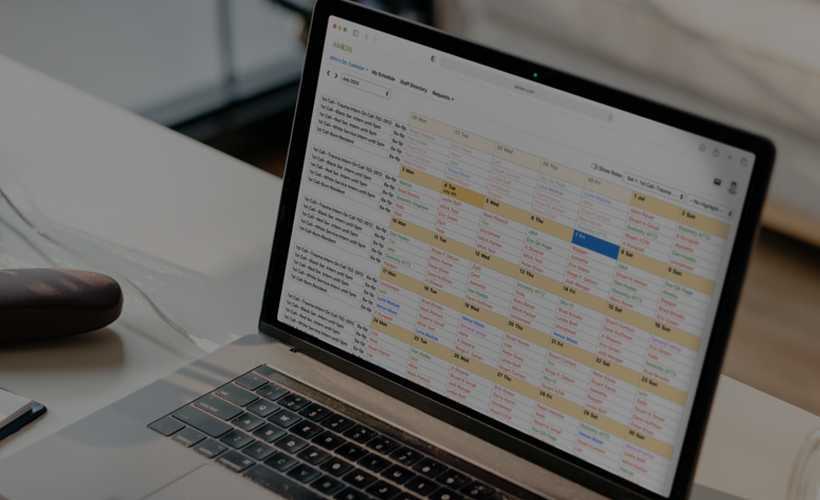
Creating a New Provider Schedule
Are you bringing your group's call, shift, or clinic schedule to Amion for the first time? This training is for you!
This learning path takes you from zero up through posting your first schedule to Amion, and includes topics like:
- What is Amion?
- Setting up the structure of your schedule
- Listing staff and contact info
- Entering assignments
- Customizing viewing options
- Publishing and sharing your schedule
If you are scheduling for a residency or fellowship program, we offer separate tools and training. Use the filters on the course catalog page to display Residency training.

Taking Over an Existing Provider Schedule
Are you taking over as scheduler for an Amion schedule that is already online? This training is for you!
This learning path covers what youill need to know to get up and running, including topics like:
- What is Amion?
- Accessing your schedule as an administrator
- Updating staff and contact info
- Removing unused staff or services from your schedule
- Entering assignments
- Customizing viewing options
- Publishing and sharing your schedule
If you are scheduling for a residency or fellowship program, we offer separate tools and training. Use the filters on the course catalog page to display Residency training.
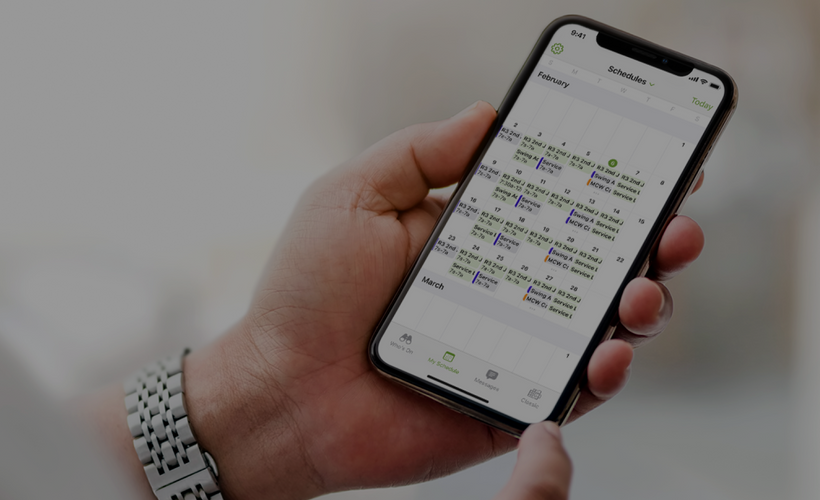
Residency and Fellowship Scheduling
Are you a new Chief Resident, Residency Coordinator, or another person involved in creating or updating a residency program or fellowship schedule on Amion? If so, this training is for you!
Every program is different, and not all utilize every aspect of Amion. These modules are presented in an order designed to help build an understanding of how the parts of your schedule relate to each other. Nearly every scheduler will benefit from the introductory modules, up through the Block Schedule and Call Schedule modules. If your program utilizes Amion for Shift or Clinic schedules, be sure to check out those modules as well.
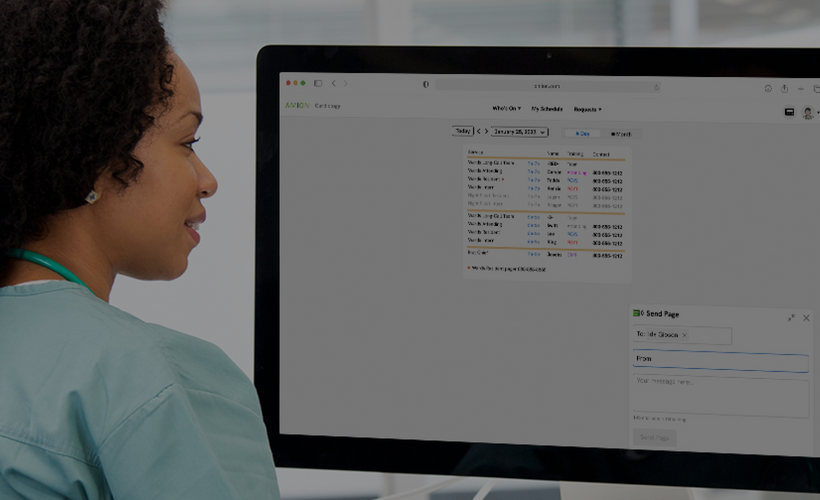
Going Further with Availability, Rules, and Automation
Are you wanting to move beyond manual schedule building? This learning path sets the stage for automating schedules by introducing concepts such as:
- Work Preferences & Availability
- Off-Schedule Assignments
- Shift Targets and FTE%
- Managing Online Requests
- Swaps
- Scheduling Rules
- The Autoscheduler
- Tallies & Reporting
- The Timesheet Tool
- The Simple Web Editor

Creating and Editing a Provider Schedule (Amion Next)
Welcome to Amion! In this Learning Path, you'll be introduced to Amion's new schedule builder, the Amion Schedule Manager. Create your group's schedule, manage your staff list and contact info, approve or reject staff requests and more, all from our modern web interface.

Amion Next for Organization & Facility Managers
This learning path is designed for Organization and Facility Admins responsible for managing schedules, staff, and settings in Amion Next. Through short, focused videos, you’ll learn how to configure your organization, manage access and permissions, organize schedules and facilities, and maintain a clean, centralized staff list. Whether you’re new to Amion or transitioning from Amion Classic, this path will give you the essential tools to confidently manage your organization's scheduling environment.

Update Schedules as a Switchboard User (Amion Next)
In this Learning Path, you'll learn how to use your Switchboard access to make real-time updates to physician schedules in Amion. Starting with how to log in and navigate to the Schedule Builder, you'll walk through the core tasks of swapping, removing, and assigning staff to open assignments. From there, you'll explore advanced customization options including adding public or hidden notes, adjusting shift times for individual providers, and splitting shifts between two or three people. Finally, you'll learn how to publish your changes so they're visible to staff, and how to verify your work using the staff view.

Residency and Fellowship Scheduling (Amion Next)
This learning path walks residency program coordinators, chief residents, and other schedule administrators through everything needed to build and manage a full residency or fellowship format schedule in Amion, from initial setup through daily scheduling. It begins with Residency Schedule Setup, covering the foundational pieces every schedule needs: academic year, training level progression, staff types, staff records, admin permissions, and general settings. Next, Residency Block Schedules covers building out your rotation structure, block dates, entering and validating block assignments, publishing, and tracking staffing rules and tallies. Residency Call and Shift Schedules covers the daily side of scheduling: setting up call and shift services, entering and publishing assignments, using patterns to fill repeating rotations, and applying auto-assignment, availability, and target rules to automate and validate your schedule.
An upcoming course on clinic scheduling will round out the path, covering how to build and manage outpatient clinic schedules alongside your block and call/shift schedules. Together, these modules take a schedule administrator from a blank Amion account to a fully built, automated, and published schedule for their residency or fellowship program, including rotations, call, shift, and clinic.